Install Glasswall Meteor
The following steps will guide you through the quick and easy Glasswall Meteor installation process.
Installation
- From your file explorer, double-click the executable installation file provided to you by Glasswall.
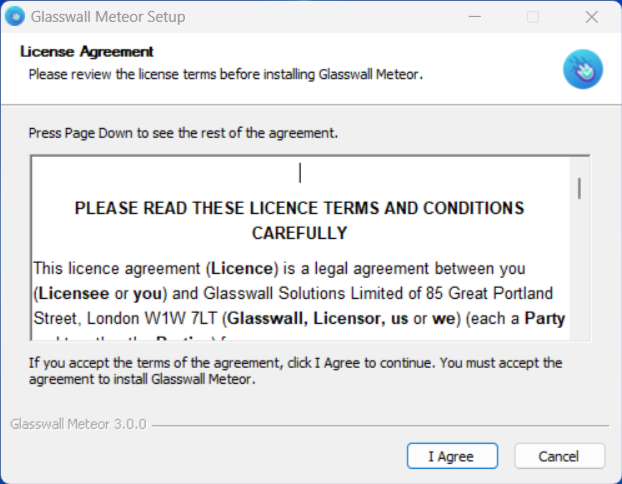
Read the license agreement and if in agreement, click I Agree.
Note: You must accept the agreement in order to continue.
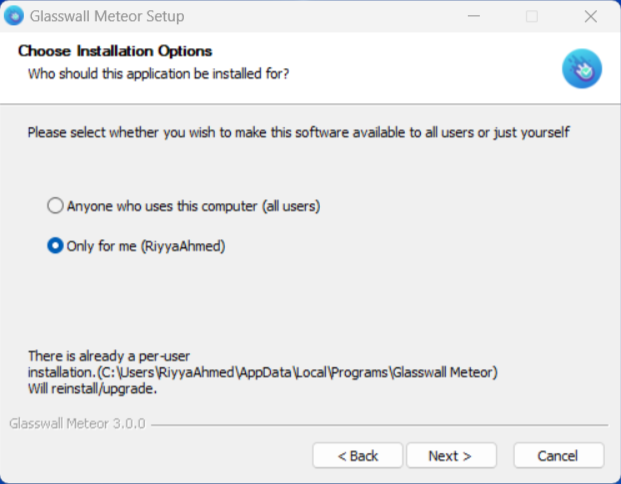
- When the dialog box displays, select the type of installation required (all users or the current user) and click Next >.
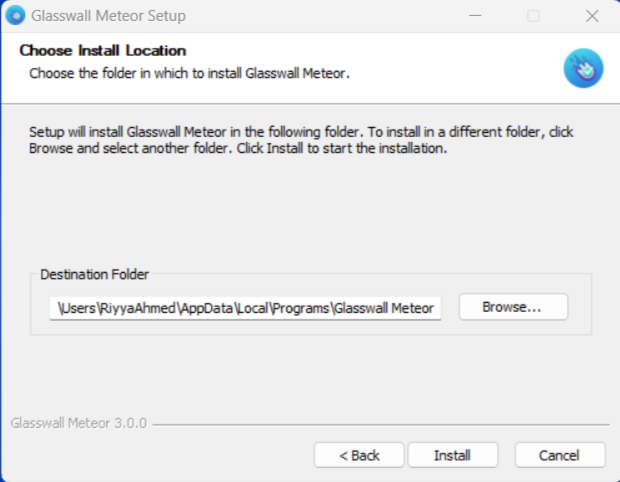
- Click Install.
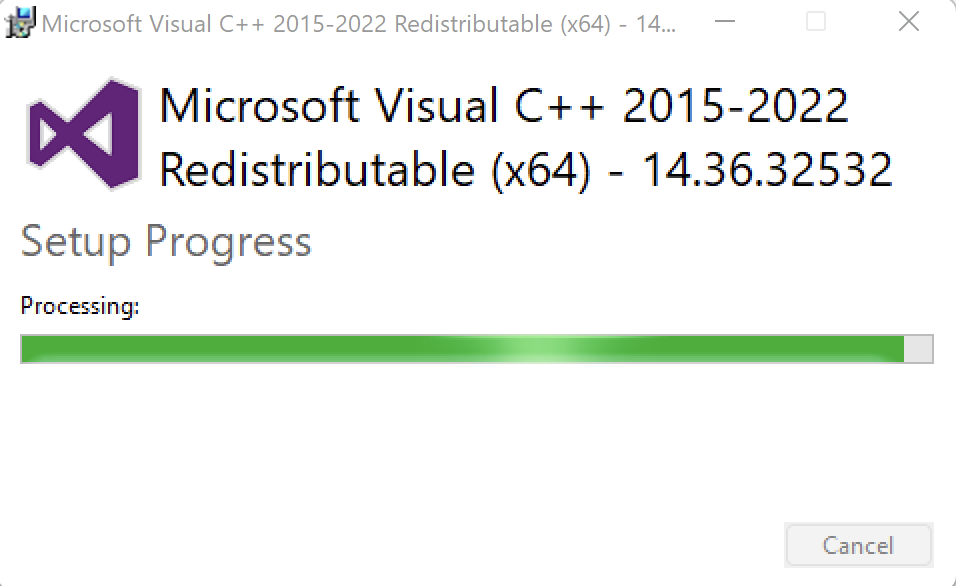
- If you are prompted to install Microsoft Visual C++, click Yes.
- Ensure that Run Glasswall Meteor is selected and click Finish.
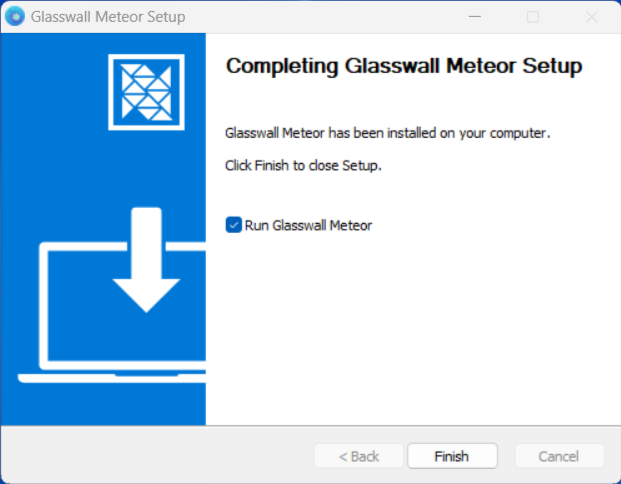
Glasswall Meteor will launch automatically.
To find out more about install paths and file storage, please refer to Appendix A.